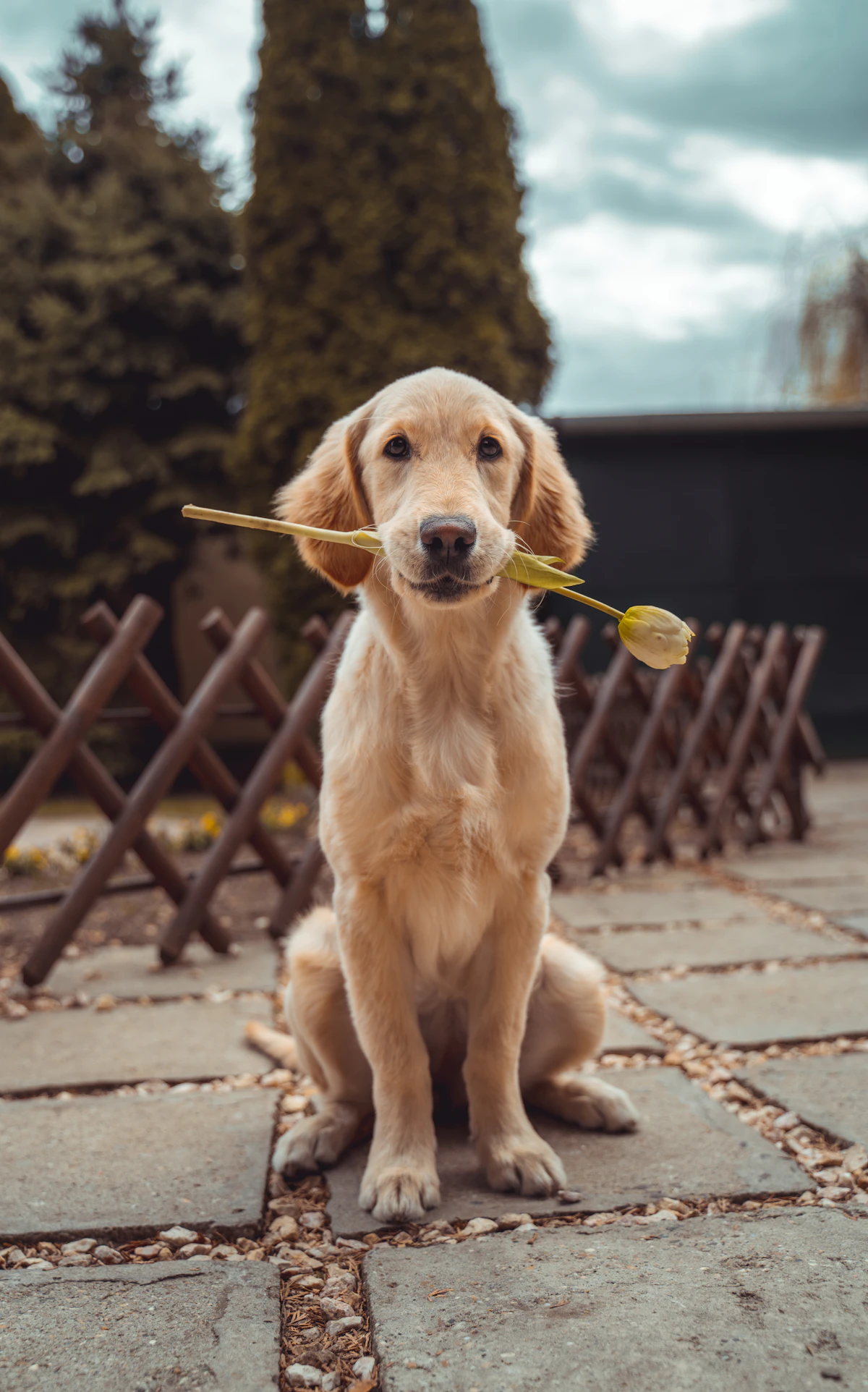
Owners don't ring at teatime because they doubt you. They ring because they miss their dog and want to hear how the day went. Your team already knows the answer: it's in the care log. Report cards turn that log into an update the owner can open on their phone, with a photo, a few warm sentences and the facts they care about.
What a report card is
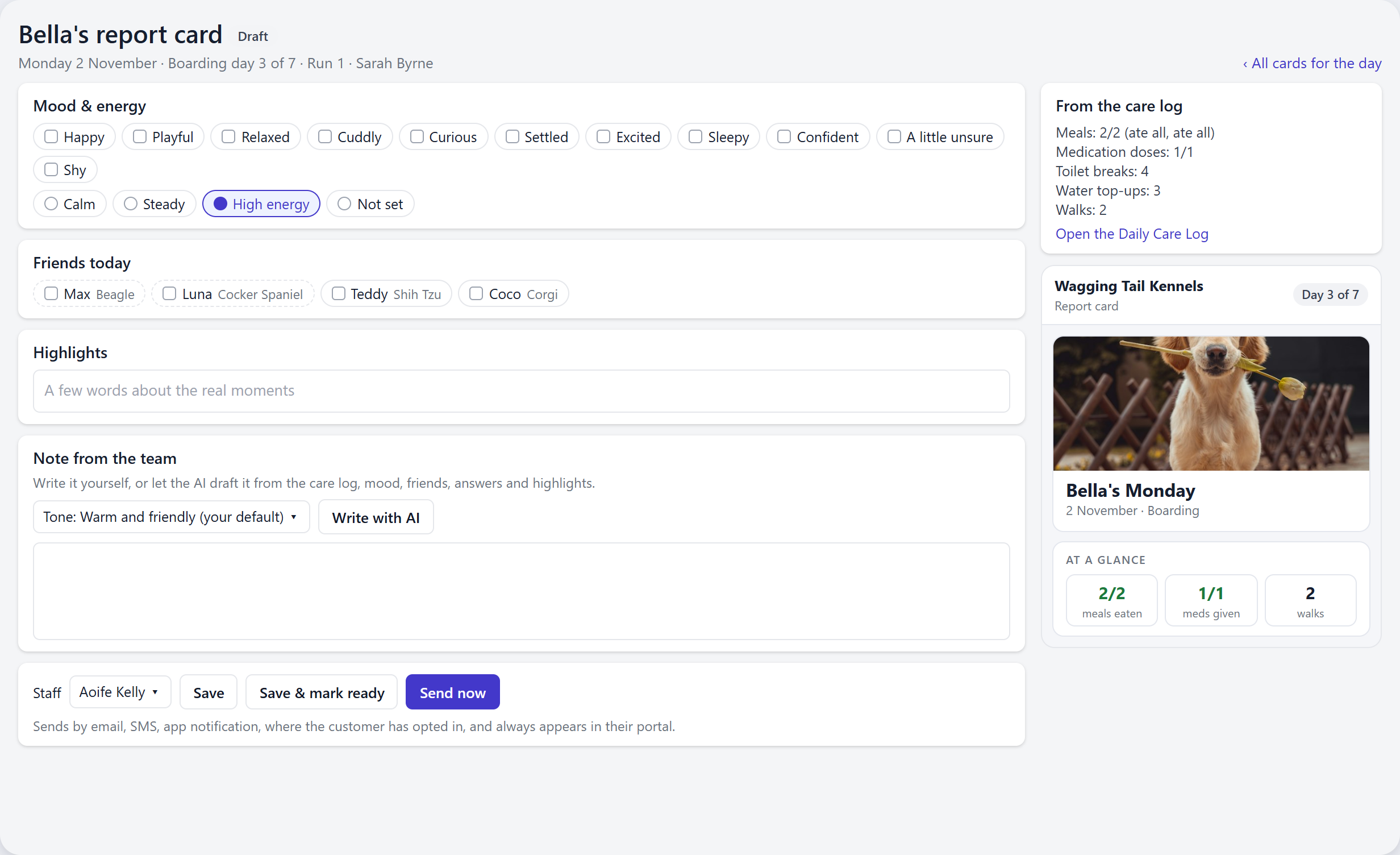
A report card is one pet's day, sent to their owner. Most of it fills itself in from the Daily Care Log: meals and whether they were eaten, medication doses, toilet breaks, water, walks, other activities and any extras you completed. Your team adds the parts only a person can: photos or videos, the pet's mood, who they played with, answers to your own questions and a few words about the real moments.
From those, KennelBooker drafts a short note in your business's tone of voice. Staff read it, change anything they like and send it. The owner gets a link by email, text or app notification, and the card opens in their browser without a login. They can send a reaction, reply to your team and, if you're allowed to use their pet's photos, share the day.
How to send one
- Open the Daily Care Log and choose the Report cards tab. Every pet on the board for the day is listed with the state of their card.
- Upload the day's photos. Tag every pet who's in a photo and it goes on each of their cards.
- Open a pet's card. Under Mood & energy, tap up to three moods and an energy level. Under Friends today, tick who they played with. Pets in the same play area are shown first.
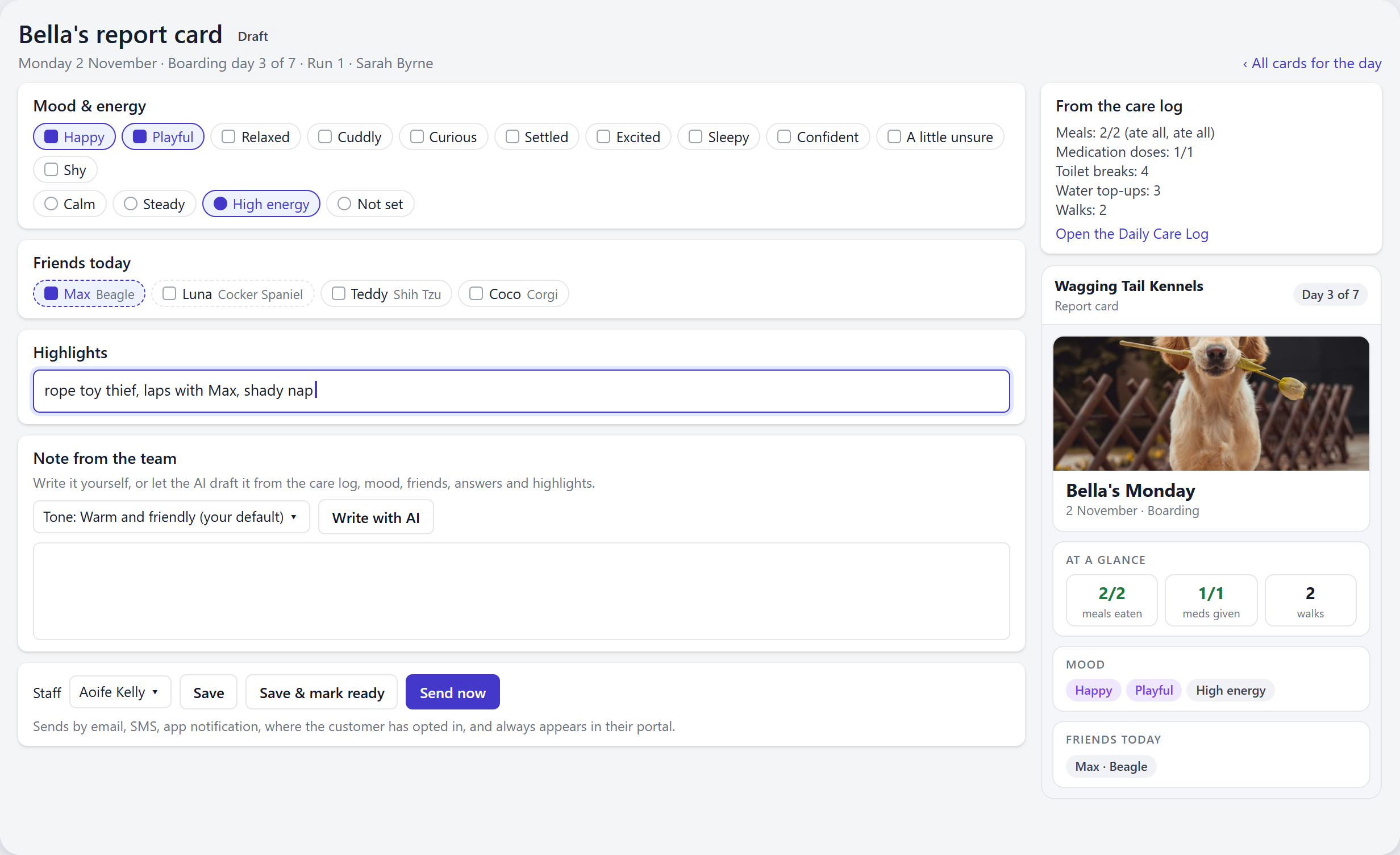
- Type a few words under Highlights, such as "rope toy thief, laps with Max, shady nap".
- Press Write with AI. Pick a different tone for this one note if you like. Read the draft and edit anything that isn't quite right.
- Press Send now, or Save & mark ready to let it go out with the rest at the time you've chosen.
A note in your voice, not a template
Every kennel sounds different, so you choose how the notes sound. There are six tones: warm and friendly, fun and upbeat, short and to the point, super specific and detailed, calm and professional, and in the pet's own voice. You can add your own style notes on top. Puns can be off, used only where they fit, or a bit more playful.
The note is written from what was logged and what your team picked or typed for that pet that day, and nothing else. Weight, incidents and staff-only questions are never sent to the AI. On a harder day, such as a meal only partly eaten, puns and jokes are switched off automatically and the note stays gentle.
Owners who get a card every day would soon notice the same phrases coming round again. So each note avoids the phrases used in that owner's recent cards, and tired lines like "had a blast" are never used. If the owner's preferred language isn't English, the note is written in their language.
Holds keep the awkward ones back
Some days need a phone call, not a cheerful card. A card is put on hold, and can't be sent or written by the AI, when:
- a meal was marked as ate none
- a medication dose hasn't been logged for a round that's finished
- an incident was logged for the pet that day
- the pet's weight is down 5% or more
- a member of staff ticked "Something needs a call"
To clear a hold, a staff member records whether the owner was contacted or it wasn't a concern. Who cleared it, and when, is kept. If something new is logged afterwards, the card is held again.
What the owner sees
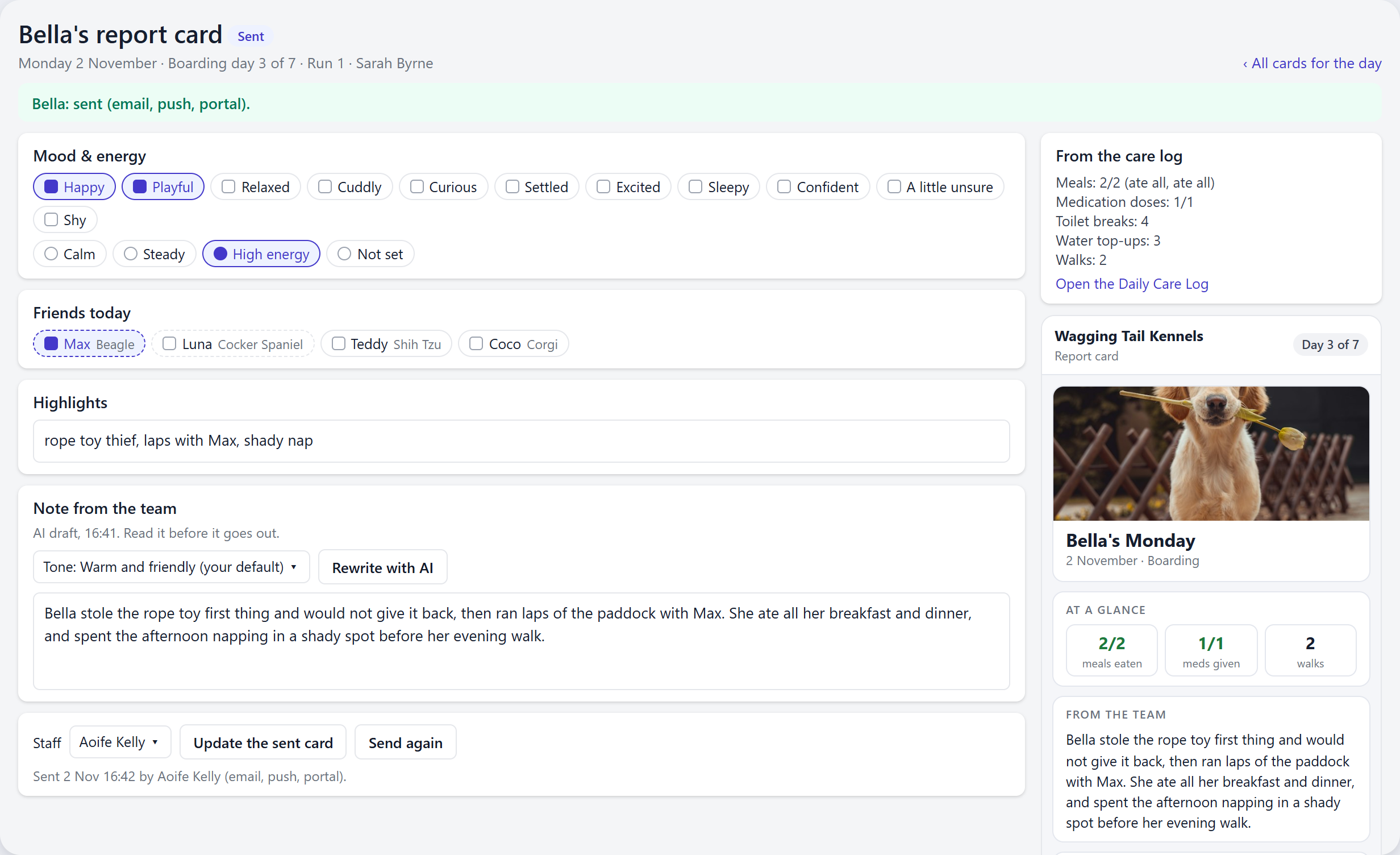
The card opens on any phone. It shows the photos, an at-a-glance row for meals, medication and walks, the note from your team, the pet's mood and friends, and the answers to your questions. Owners can send a heart or a thank you, or write a reply, which arrives in your normal chat inbox. If they've agreed to their pet's photos being used on social media, they can share a photo card of the day.
Every card sent also appears in the owner's portal, alongside any postcards you sent them before. Once it's sent, the card shows what was true at that moment. If you need to correct something, Update the sent card changes what the link shows without sending another message.
Sending on a schedule
You don't have to press send on every card. Switch on automatic sending, pick a time, and mark cards ready as you finish them. At that time each day, KennelBooker sends only the cards marked ready. Drafts never go out on their own.
Why we built it
Postcards have been part of KennelBooker for years, and owners love them. But a postcard was a photo and whatever someone had time to type, and on a busy day that was often nothing. Meanwhile the Daily Care Log was quietly recording everything an owner would want to know. Report cards join the two up, so the update gets written from the work your team has already done.
Available now. Open the Daily Care Log, choose the Report cards tab and press Set them up to switch them on, pick your tone and choose what goes on the card for each service.
Frequently asked questions
What is a pet report card at a kennel or daycare?
It's a short update for the owner about their pet's day: what they ate, any medication, walks and toilet breaks, how they seemed, who they played with and a photo or two. In KennelBooker it's built from the Daily Care Log, so staff don't have to type up what they've already recorded.
Does the AI write anything that didn't happen?
It only gets what was logged, picked or typed for that pet that day, and staff read the note before it goes out. Weight, incidents and staff-only questions are never sent to it. You can also write the note yourself or edit what it drafts.
How do owners receive report cards?
By email, by text message with a link, or by app notification, depending on what you switch on and what each owner has agreed to. Every sent card also appears in the owner's portal. The card opens in a browser without a login.
Do report cards replace postcards?
Yes, they're the next step on from postcards. Nothing is lost: an owner's portal history shows their new report cards and their old postcards together.